Receivables
The Receivables menu is used to monitor the store's list of receivables, including information such as invoice date, total amount, receivable amount, and receivable age. This report helps manage and track payments not yet received from customers.
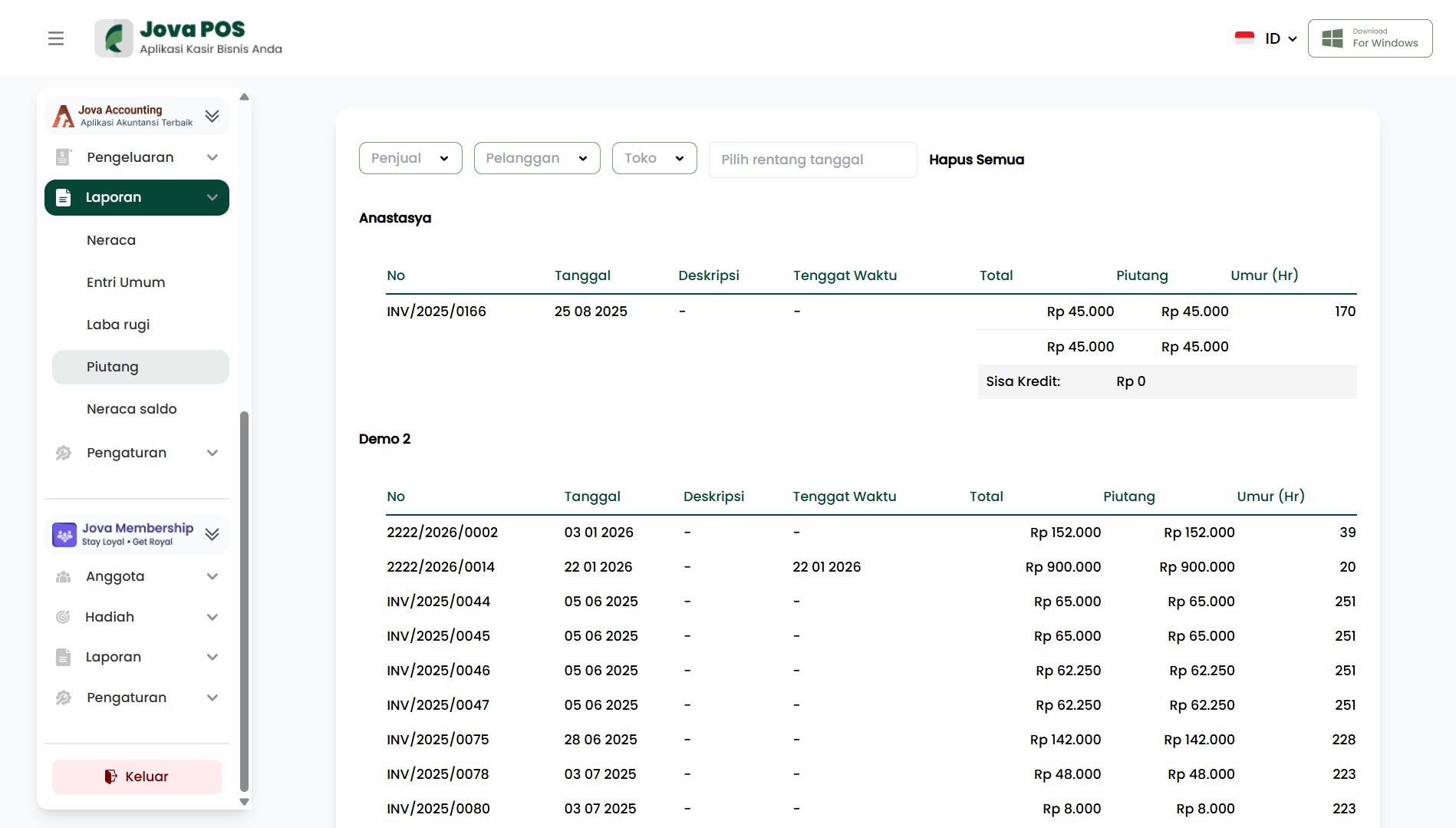
1. Opening the Receivables report
- Open the Reports menu in the sidebar.
- Click Receivables.
After the page opens, the system will display the list of receivables based on the selected store and period.
2. Setting report filters
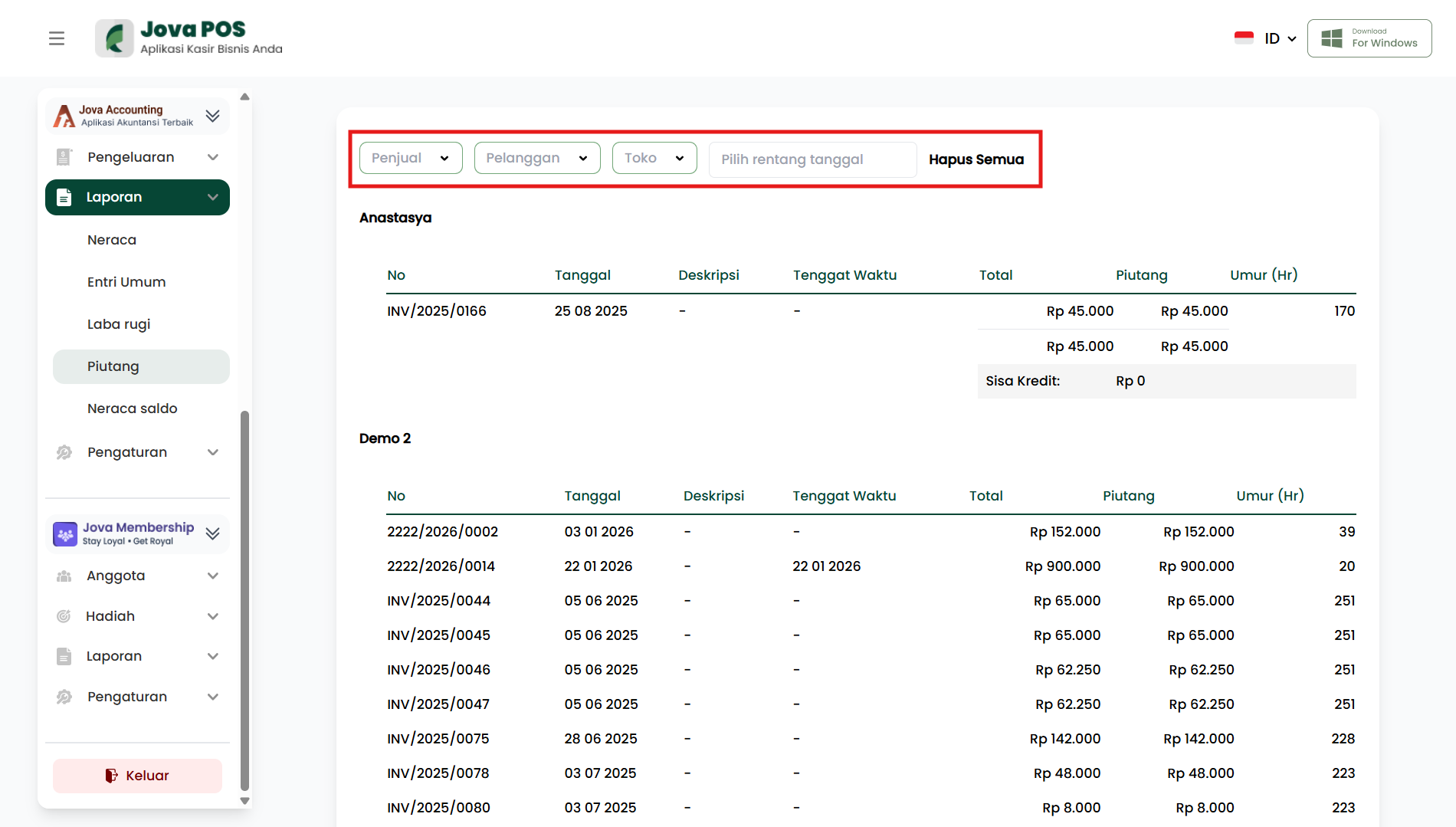
Filters are located at the top of the page. You can adjust the report display as needed.
-
Select Seller
Select the seller whose report you want to view. -
Select Customer
Specify the customer to view the receivables report for a specific customer. -
Select Store
Select the outlet or store where the receivable is recorded. -
Select date range
Specify the report period to view receivables within a specific time range. -
Clear All
Resets filters to their initial state so the report displays default data.
Tips:
- If the report is not correct, make sure the filters are applied correctly.
- Use a consistent date range when comparing reports between periods.
3. Understanding the Receivables report sections
The receivables report is divided into several sections, including information about invoices, total amount, receivable amount, and receivable age.
3.1 Invoice
The Invoice section shows information related to unpaid invoices. Typically, the displayed information is:
-
Invoice No
Displays the invoice number related to the receivable. -
Date
Displays the invoice creation date. -
Description
Displays a brief description or notes related to the transaction. -
Total
Displays the total invoice amount. -
Receivable
Displays the amount still owed. -
Age (Days)
Displays the number of days since the invoice was issued, to help determine the age of the receivable.
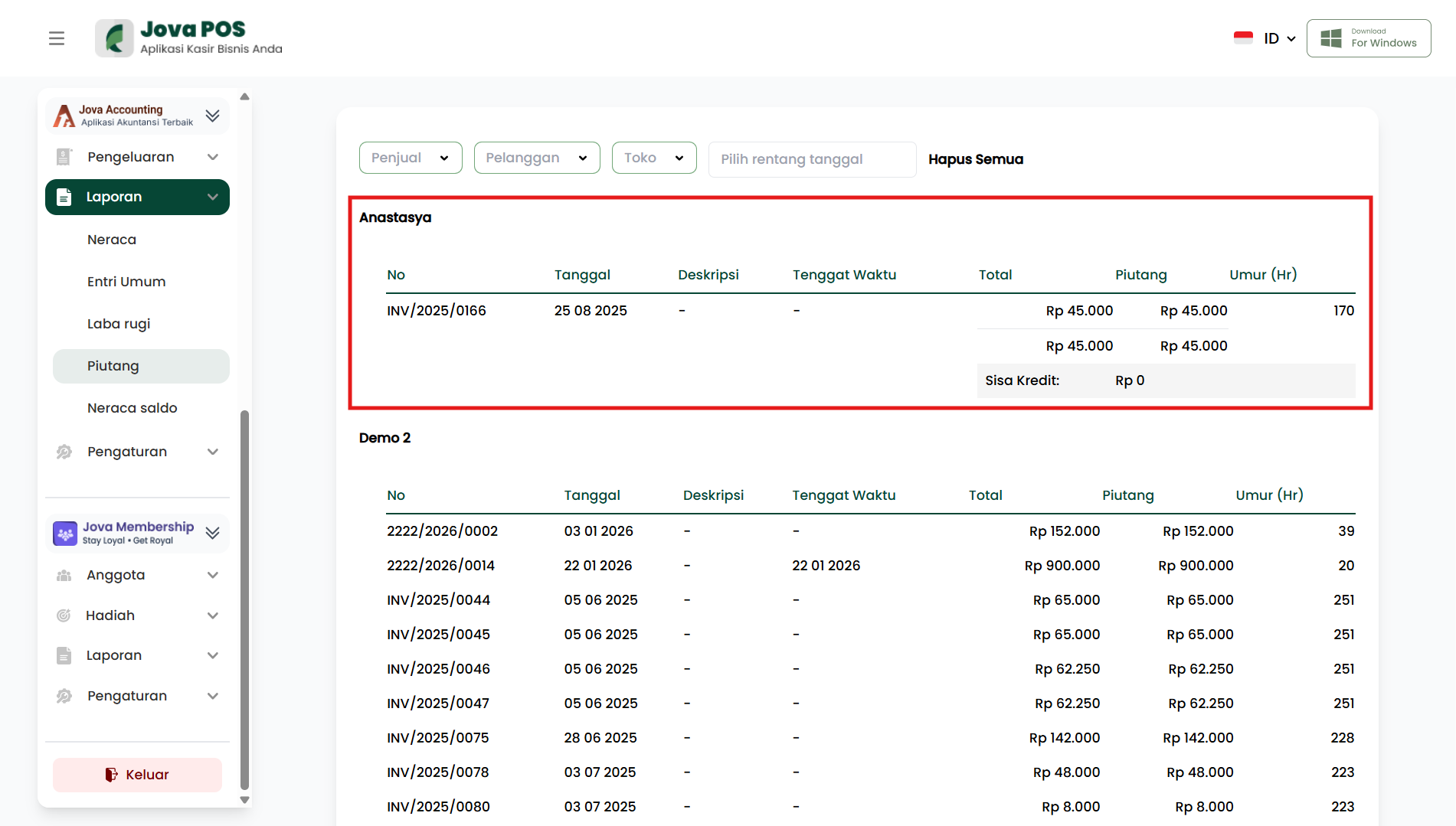
At the end of the report, the system may show Remaining Credit, which is the remaining amount not yet paid by the customer. This value will be updated according to payments made by the customer.